
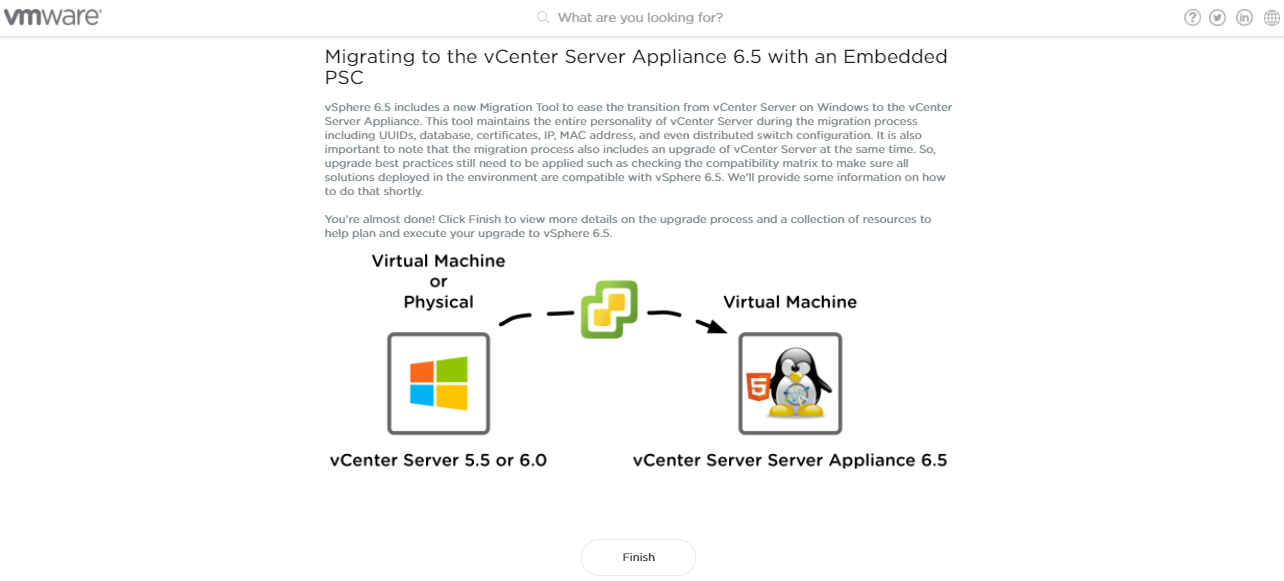
Few weeks ago VMware announced this vSphere 6.5 Topology and Upgrade Planning tool which you can see the recommended information about your Migration. It is a really easy and self explanatory tool. You can find this tool from here.
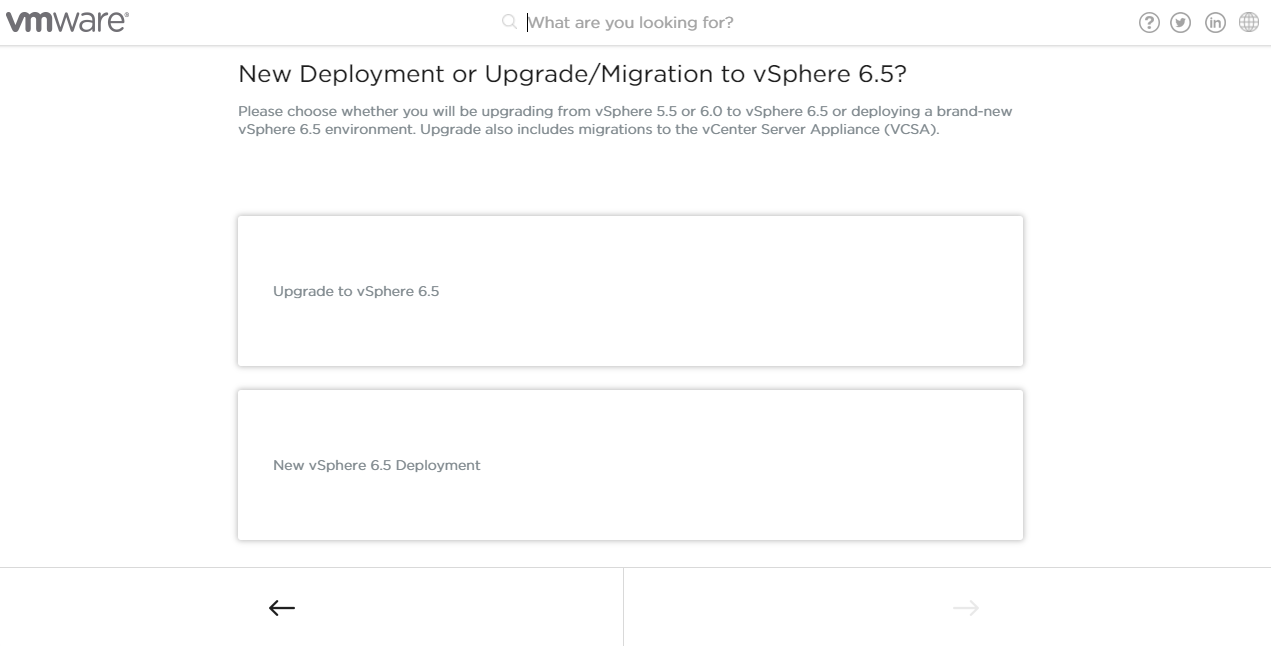
This tool can be used to migrate your current vSphere environment to 6.5 as well as to start a new vSphere 6.5 deployment. This brand new tool has been released as a part of the vSphere Central, which you can learn and check how VMware vSphere works. Personally, I really like it.
Before I start using this tool I would like to give my upgrade planning scenario then you can easily understand how this tool is going to work.
My current vSphere environment :
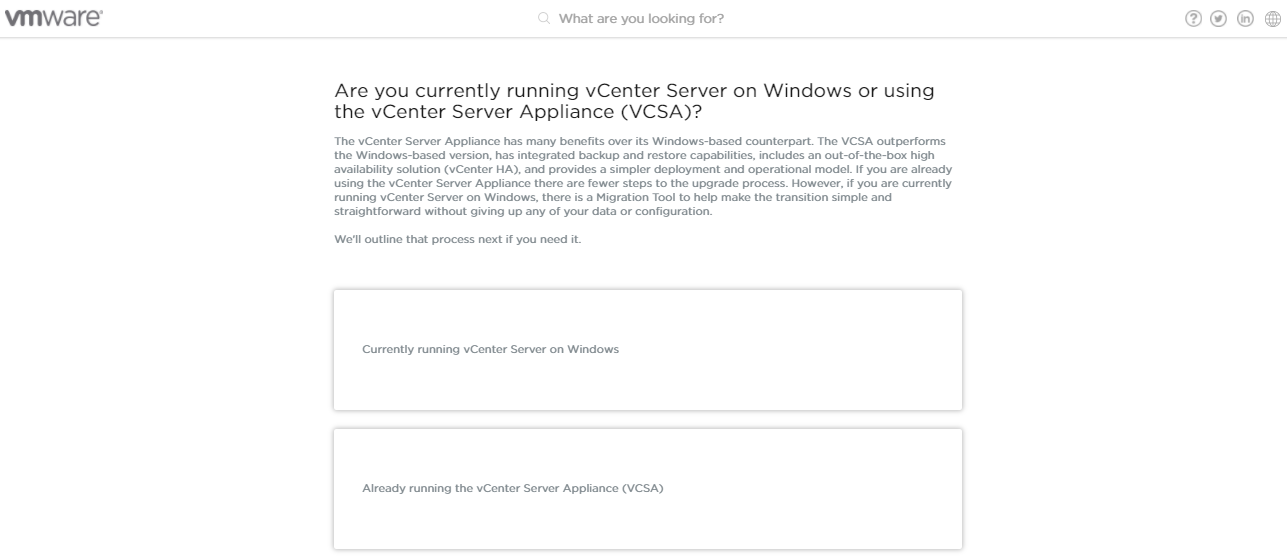
- Windows based vCenter server with vSphere 5.5
- External Single Sign-On server
- External Web client
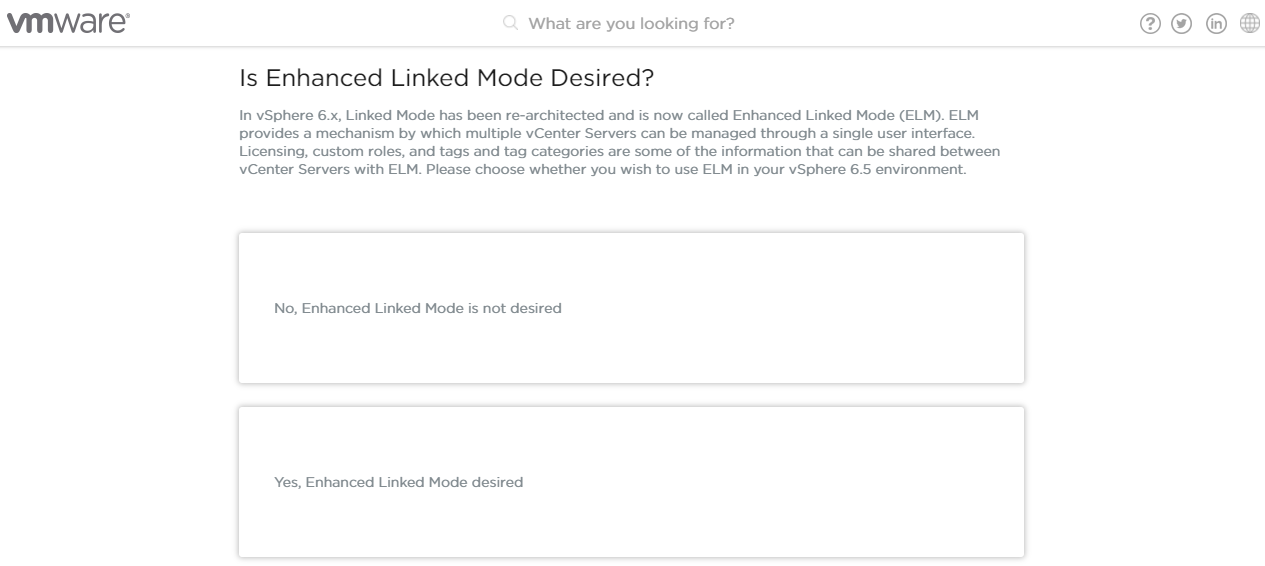
- No Linked Mode Configured
- External MSSQL 2008 R2 Database
Now let’s see how we can use this tool to upgrade my vSphere environment to 6.5
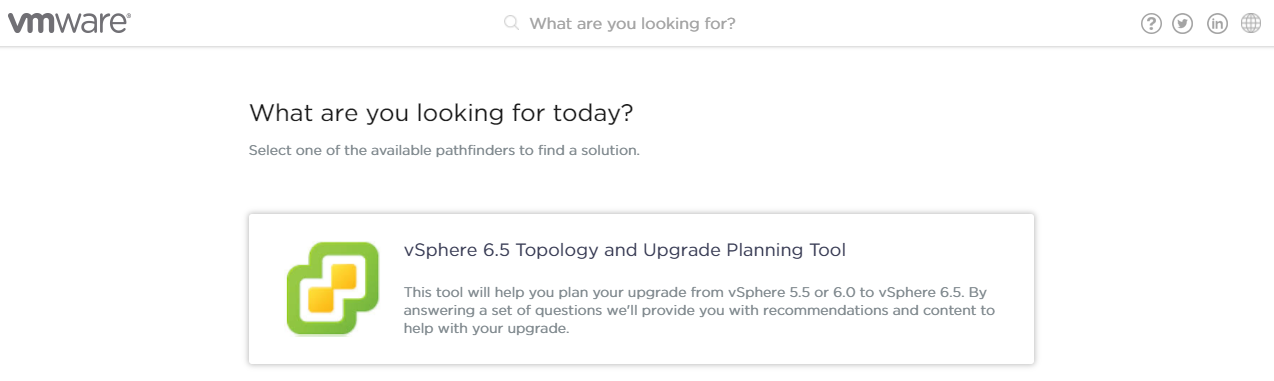
Open this web based tool in your browser, and start the tool by clicking the “vSphere 6.5 Topology and Upgrade Planning tool” option




Related links :
- vSphere 6.5 Topology and Upgrade Planning Tool
- VMware Blog post – vSphere 6.5 Topology and Upgrade Planning Tool
- vSphere Central
- VMware Blog post – vSphere Central




Leave a Reply